A loop is the easy decision. You find four bars that already sound good, drop drums under them, and the beat is done. It works, but it sounds like the record, which means it sounds like every other producer who looped the same four bars.
Flipping is the harder decision, and it is the one that pays. You take the same source and rebuild it into something that is yours: reordered, repitched, filtered, chopped into a melody the original never played. Here is how to flip a sample so it stops sounding like a sample and starts sounding like your beat. Six moves, in the order I actually reach for them.
Loop vs flip: the difference that matters
A loop keeps the source intact. The phrasing, the chord changes, the timing, all of it stays exactly where the original artist put it. You are riding their arrangement. A flip breaks that arrangement on purpose and rebuilds it from the pieces.
A loop borrows the record. A flip steals the pieces and builds something the record never played.
That is not just an artistic choice. A recognizable four-bar loop is the easiest thing in the world to place, for a rights holder and for a listener alike. The more you flip, the more the beat sounds like yours. Legally, though, flipping clears nothing: an uncleared sample stays uncleared, however hard you chop, pitch or bury it.
Chop and rearrange
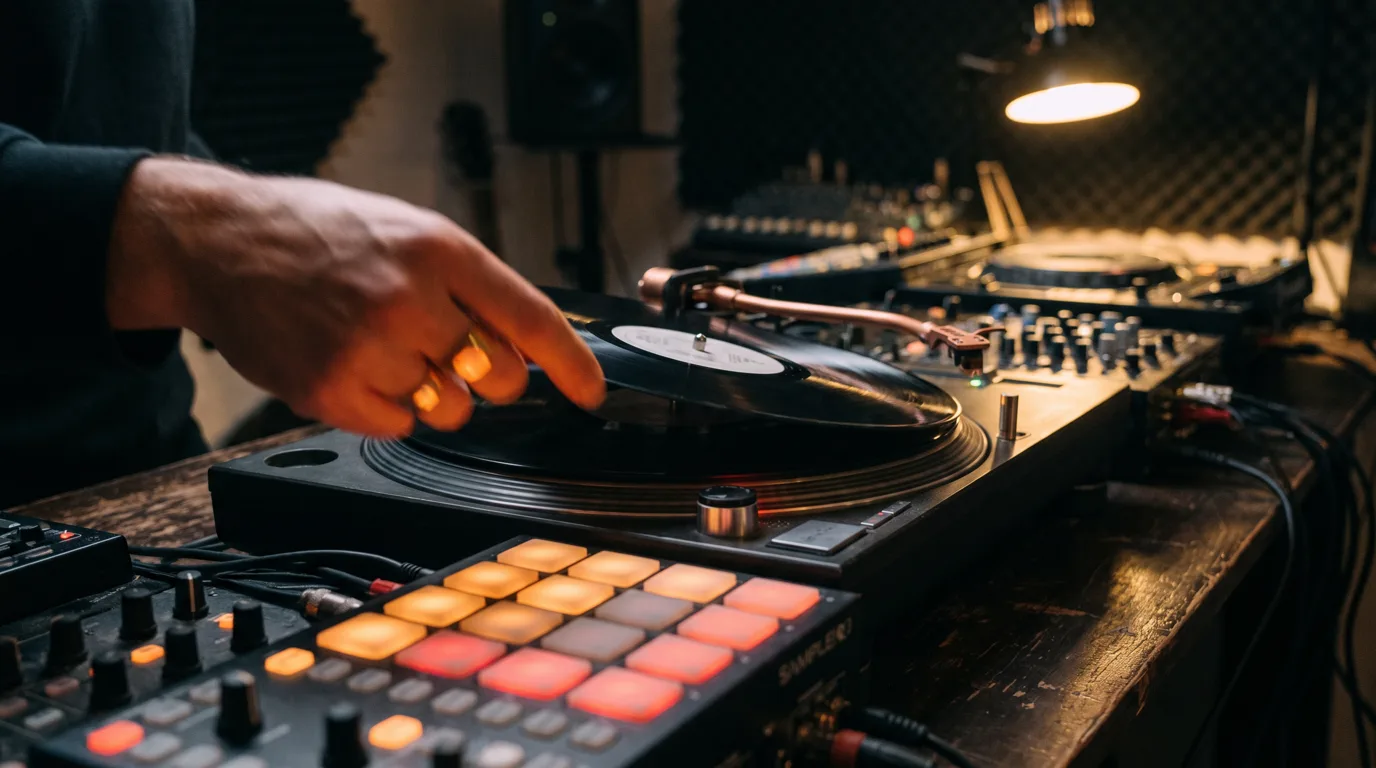
Start by cutting the sample into small pieces: single hits, single chords, half-bar phrases. Do not think about the melody yet. Just get playable slices mapped across your pads or keyboard.
Then play something new. Reorder the chords, move the bassline note, put the last stab first. The goal is to build a phrase the source never contained. If someone plays the original next to your flip and cannot immediately hum along, you did it right. This one move separates a flip from a loop faster than anything else.
Pitch and time-stretch for a new key
Pitch is a disguise and a tool at the same time. Shifting a sample up a few semitones brightens it and changes its character. Pitching down adds weight and that classic dusty feel. Pick the direction that serves the mood.
Time-stretching lets you pull a sample to your tempo without changing its key, or change the key without touching the tempo. Big moves can add artifacts, so listen. Use it to lock a 92 BPM loop into your 140 BPM trap beat, or to move a sample into a key your 808 can actually sit in. A key and tempo that fight your drums will kill a good chop.
Filter, reverse, and layer
Filtering is how you make room. Roll off the low end of the sample so your 808 and kick own the bottom, or high-pass a chop into a texture that floats over the beat. A sample that is fighting your drums for space is usually just unfiltered.
Reverse a note tail into a swell, layer the chop under a sub or a soft pad, or double it an octave up for shine. These are the small moves that turn a clean chop into a produced one. None of them take long, and stacked together they are the difference between a demo and a beat that sounds bought.
Build drums around the chop, not under it
Most producers make a chop, then slap a generic drum pattern under it. That is why the drums and the sample never feel like the same record. Flip the order in your head: the chop is the artist, the drums are the band playing behind it.
Program the kick to answer the sample's rhythm, not to ignore it. Leave space where the chop is busy, hit hard where it leaves a gap. Swing the hats to match the feel of the source. When the drums and the chop breathe together, the flip stops sounding like two files stacked in a DAW and starts sounding like one idea.
Where to get flippable material
The best flip in the world means nothing if the source gets your beat taken down. Sampling real records is a clearance problem, and royalty-free packs get flipped to death by ten thousand other producers. The move is to flip material that is not already in every pack, and that you have the right to use.
That is what Crate Machine is for. It writes structured Suno prompts aimed at raw, instrumental, loopable source recordings built to chop, not finished songs. Suno generates the audio; if you plan to sell, generate it on a plan that grants commercial use. You get a fresh crate to flip without an identified record to clear. Generate the source, then run every move above on it.
FAQ
What does it mean to flip a sample?
Flipping a sample means rebuilding it into something new instead of just looping it: chopping it into pieces, reordering them, changing the pitch or tempo, and adding your own drums so the result no longer follows the original's phrasing.
How do I flip a sample and stay original?
Chop it into single hits or short phrases, then play a new melody with those pieces. Change the key with pitch, reverse or filter sections, and build the drums around your chop. The more you rearrange, the less it sounds like the source.
Do I need to clear an AI-generated sample?
Sampling a real record still needs clearance to sell the beat. With AI audio you generate yourself, there is no identified record to clear, but that is not a free pass: it has to be generated on a plan that grants commercial use (on Suno, Pro or Premier, and not retroactively), and nothing guarantees it is unique or protected. Crate Machine only writes the prompt; the audio comes from Suno. Details in is it legal to sample Suno and AI music. This is general guidance, not legal advice.
For the chopping half of this workflow, step by step, read how to chop samples in FL Studio.