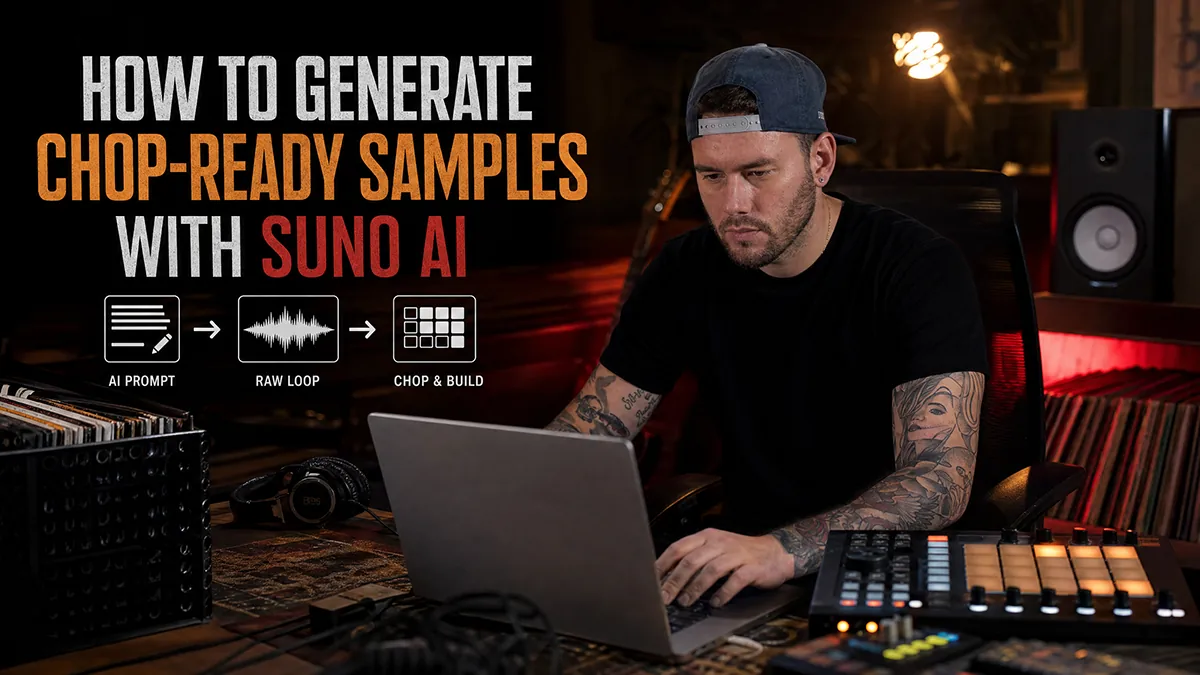
Suno is good. It generates full-length music with remarkable coherence: structure, melody, even lyrics. The problem is it was built for people who want a finished song. If you're a beatmaker who wants raw material to chop, the default output is nearly useless.
A default Suno prompt gives you: an intro, a verse, a pre-chorus, a chorus, maybe a bridge, an outro. There's a vocal hook. The drums stop and start. The arrangement breathes around lyrics that aren't there.
None of that chops well. You end up with 3-minute tracks where the only slice-worthy moment is a 4-bar breakdown buried at 1:47.
What "chop-ready" actually means
When you're sampling for boom bap or lo-fi, you need material that behaves like vinyl. Specifically:
- No vocals. Or vocals treated as texture: distant, processed, non-melodic. Anything with a clear hook is essentially unusable without heavy filtering.
- Consistent loop length. The musical phrase needs to repeat cleanly every 2 or 4 bars, without surprise arrangement changes blowing up your chop points.
- No dynamic drops. Song structure is the enemy of sampling. Choruses get louder, verses get quiet, so your levels are all over the place before you've even chopped anything.
- Clear musical edges. Chords, stabs, guitar notes or vocal textures need enough definition that Maschine or MPC can find useful chop points without relying on percussion.
The Suno default does none of this. You have to tell it.
The prompt structure that works
After testing a lot of variations, a few things consistently push Suno toward sample-friendly output:
Lead with the instrumentation, not the genre. "Jazz piano, upright bass, brushed snare" gets you closer to what you want than "jazz." The model reads instrument names as direct instructions; genre labels trigger preset song structures.
Specify era and recording style. "1970s recording, warm analog tape, slight vinyl surface noise" tells Suno what the sonic environment should feel like. This matters more than it should: the same instruments prompt differently depending on the era framing.
Kill the song structure explicitly. Add terms like "no vocals," "instrumental only," "loop-based," "continuous phrase," "no drums," "no percussion," and "no arrangement changes." These work better as explicit negatives than relying on genre signals alone.
Add mood, but keep it functional. "Late night, introspective, slow burn" shapes the emotional tone without introducing structural baggage. Avoid terms like "emotional" or "anthemic": they push toward climax-based dynamics.
A working example, for a soul-inflected boom bap sample:
Instrumental sample source, no vocals, no drums, no percussion. Sampled soul loop, 1968 recording, warm analog tape. Rhodes electric piano, muted trumpet, soft guitar phrases, dusty harmonic movement. Continuous phrase, no arrangement changes. Lo-fi, dusty, late night.
That's 8 targeted parameters. Each one is doing a specific job. Compare that to "lo-fi jazz hip hop chill", which gives Suno almost nothing to work with beyond a vibe.
Why I built Crate Machine
Writing that kind of prompt by hand every session gets old fast. You forget parameters, you fall back on familiar phrasing, you end up with the same output in slightly different clothing.
Crate Machine is the tool I built to solve this. You pick four things: genre, mood, era, and instrument focus. It combines those inputs into a structured prompt that hits all the parameters above: instrumentation, era framing, recording texture, structural constraints, and sample-ready pacing.
The output is ready to paste directly into Suno. No editing, no manual tuning. You get something that actually behaves like a sample source instead of a pop song with the lyrics removed.
It's free, no login, runs entirely in your browser. The genre library covers boom bap, lo-fi, jazz, soul, funk, 70s and 80s hip-hop sources, with more prompt families planned.
After Suno: working the output
Even with a tight prompt, Suno generates 2 to 4 minutes of material. Your job is editing it down. A few things that help:
Generate in batches. The same prompt produces different takes. Run it 4 to 6 times and pick the best 8-bar section across all of them, not the best full track from one run.
Import into your sampler before you judge it. Suno output at full quality sounds different once it hits Maschine's sampler engine or the MPC's converters. Some material that sounds thin on headphones opens up when you pitch it down a step and run it through SP-404 compression.
Treat it like real vinyl. EQ off the high end, add subtle saturation, let it sit slightly behind the drums in the mix. The goal is that it sounds like you found something, not that you generated something. If it sounds AI-generated in the final beat, the prompt or the processing needs work.
The whole point of using Suno for sampling is access to an unlimited crate. Any era, any instrumentation, any melodic pacing: you can generate it in 30 seconds. But only if you tell it what you actually need. The default output is a dead end for beatmaking. The right prompt structure changes everything.
FAQ
Can Suno AI generate samples for beatmaking?
Yes, but the prompt has to ask for source material: instrumental, loopable, no vocals, no modern song structure, clear era, and useful recording texture.
Why do normal Suno prompts fail for sampling?
They usually create finished songs with vocals, hooks, drops, and arrangement changes. Those details sound complete, but they fight the chopping workflow.
What does Crate Machine do?
Crate Machine builds structured Suno prompts from genre, mood, era, and instrument choices so the output behaves more like sample source material.
Crate Machine handles the prompt structure. You handle the chops. For a shorter checklist, read Best Suno prompts for sampling.